








Game Instructions
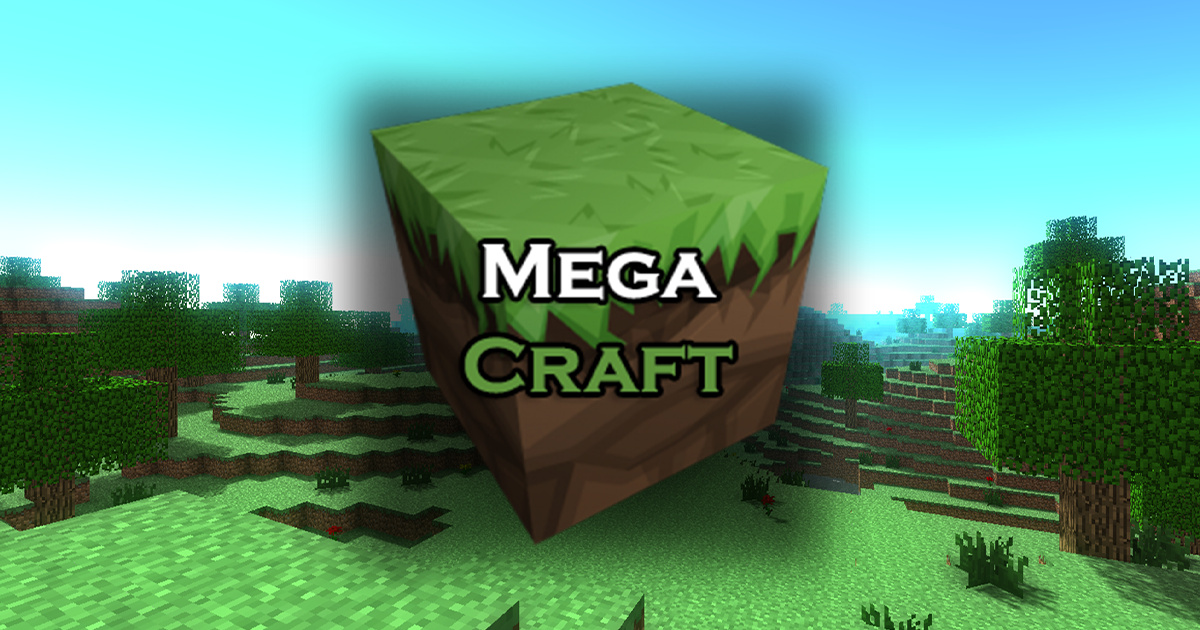
Movement - *WASD*Jump - *Space*Open Inventory - *E*Exit to the menu - *ESC*Dig up a block - Left mouse buttonPlace Block - Right Mouse ButtonChoosing a block to build - mouse wheel
Do You Like This Game?
Embed this game on your Website:
More Games
-

Cannon Shot
You have the opportunity to enhance your shooting abilities in this HTML 5 game. Utilize your creativity to navigate a fresh cannon and select the opt [...] -

Ninja Jumper
Today in the Ninja Jumper game, we are joined by one of these warriors to enhance agility and reaction time. In front of us lies a chamber containing [...] -

Cliff Diving
Cliff Diving is a fascinating arcade game. Press and maintain to sway, let go to leap at the ideal angle, modify your character's position or rotate i [...] -

3D Bowling
Achieve as many strikes as you can in this captivating 3D bowling game! -

Miraculous Ladybug First Aid
Miraculous Ladybug has sustained an injury and her partner has come to her aid. Now, you must assist her in administering first aid, or her condition [...] -
Amsterdam Truck Garbage
Are you prepared for a realistic garbage truck simulation? Well... You have the opportunity to navigate through Amsterdam City and gather waste from e [...] -

Match The Marine Animal
Welcome to Match The Marine Creature. This intellectual game is available to you at no cost. Are you self-assured enough? Pairing identical marine cre [...] -

Trump Jigsaw
Trump Jigsaw is a complimentary web-based game belonging to the category of puzzle and jigsaw games. Within this game, you will encounter a total of 1 [...] -

Pin It
Pin it is a rapid-fire game built on HTML 5. It requires the seamless collaboration of your mind and hands. Demonstrate your abilities in the game Pin [...] -

Way Dawn
Way Dawn is a two-dimensional puzzle game. You must arrange and modify the platforms accurately to propel the ball and guide it into the basket.*Mouse [...]


